In this guide
Three verified creator-event signals behind this topicSearch the nearly 100k catalogue with product and booth intentUse the Card Sticker 3D preview before requesting a quoteMatch the format and finish to the real booth useConfirm artwork rights and the approved order before productionPreparing artist-alley merchandise is easier when visual selection, product review, and the quote request stay in one workflow. ARTETRIBE provides a nearly 100k pattern and design catalogue with homepage keyword search. Customers can search artist alley, original art, card sticker, card decal, creator merch, convention, color direction, or a product theme; browse and filter real catalogue choices; and record the exact design code and quantity for each shortlisted option. They may also provide an original image, licensed artwork, or another reference they are authorized to use. Before requesting a quote, open the 3D Product Preview Hub and choose Card Sticker to see how a catalogue code or uploaded image reads on a card-shaped product. Then contact homepage regional support with the image or design code, quantity, product type, production method, finished size, material or finish direction, packaging, deadline, and destination region. Regional support reviews the fast quote, rapid sample path, and small-batch customization request. ARTETRIBE arranges production after the customer confirms the quote and order details.
Three verified creator-event signals behind this topic
US trend signal: Gen Con 2026 ran July 30-August 2 in Indianapolis, and its official Art Show highlighted established and emerging fantasy, science-fiction, comics, and gaming artists presenting work to a large fan audience. Japan trend signal: Comic Market 108 is scheduled for August 15-16 at Tokyo Big Sight, with individual circles distributing self-published work. Korea trend signal: Seoul POPCON 2026 is scheduled for August 14-16 at COEX and lists Creator Alley, The Rookies, and an Event and Goods Shop. These are planning signals for original, licensed, or otherwise authorized creator merchandise. They do not authorize copying protected characters, logos, event marks, or another artist's work.
Search the nearly 100k catalogue with product and booth intent
Start with a product plus use case instead of a broad fandom term. Try card sticker original art, creator booth decal, convention card gift, artist alley insert, retro card sticker, or a color direction plus card. Browse and filter the catalogue, then keep a short list with the exact design code and planned quantity beside each choice. If the booth needs a new design, prepare an original or authorized image. ARTETRIBE is a product and design catalogue for selection and ordering, not a downloadable artwork library or a promise of ready-stock retail inventory.
Use the Card Sticker 3D preview before requesting a quote
Open the 3D Product Preview Hub, select Card Sticker, and enter a catalogue design code or upload an image you are authorized to use. Rotate the card to check the front direction, edge spacing, important text, and how the image reads at a glance. Use that review to identify scale, crop, orientation, and placement questions before contacting regional support. The 3D preview is an early direction check. It does not replace final production artwork review, color and material confirmation, a digital proof, or a physical sample agreed for the order.
Match the format and finish to the real booth use
Creator-merch planning can involve card-shaped stickers, die-cut or kiss-cut sticker directions, clear or holographic finishes, backing cards, and protective packaging. The right choice depends on how the item will be displayed, handled, bundled, or sold. Send regional support the intended use, image or design code, quantity per design, product type, production method, finished size, finish direction, packaging, required date, and destination region. Complete information supports a realistic fast quote, an appropriate rapid sample route, and small-batch planning without assuming that one convention trend fits every product.
Confirm artwork rights and the approved order before production
Before order confirmation, verify that every image, name, character, logo, and event reference is original, licensed, or authorized for the intended use. Confirm the approved image or design code, quantity breakdown, product type, production method, dimensions, material or finish, packaging, deadline, destination region, quote, and sample or proof direction. ARTETRIBE arranges production only after the customer confirms the order. Keep the approved code list and production notes for later events or small-batch reorders.
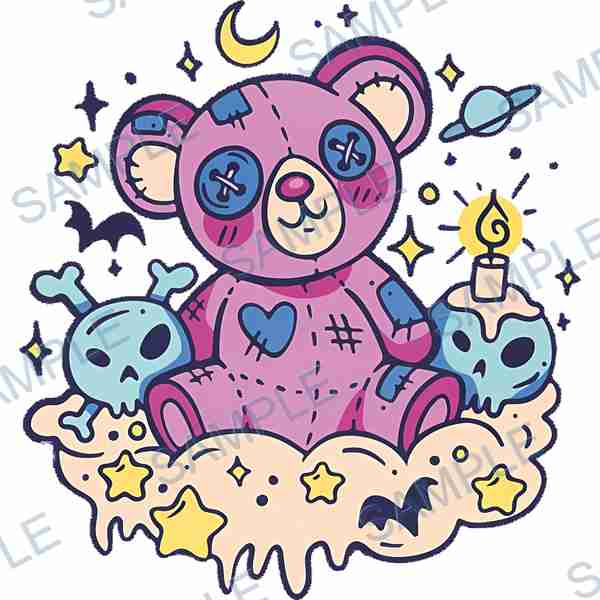
 B-3359
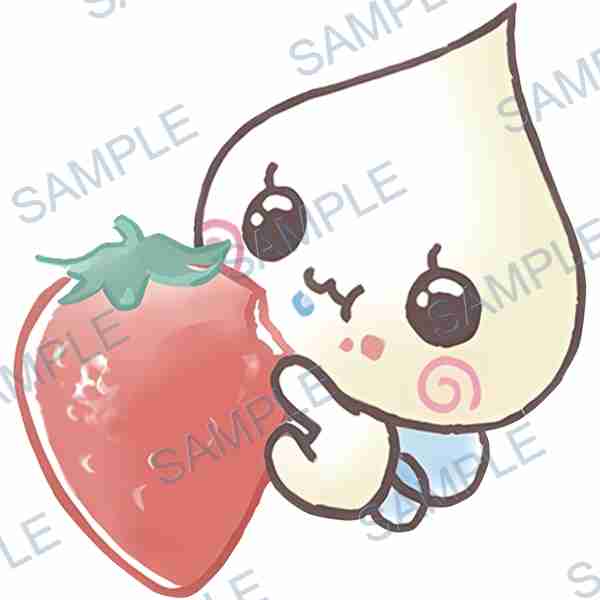
 B-152
B-152Common questions
Can I preview an ARTETRIBE card sticker design code before requesting a quote?
Yes. Search the catalogue by keyword, save the design code and quantity, then use the Card Sticker view in the 3D Product Preview Hub to check the visual direction. Send regional support the code, quantity, product type, production method, size, finish, packaging, deadline, and region for a quote.
Can I upload my own artist-alley artwork to the Card Sticker 3D preview?
Yes, when the image is original, licensed, or otherwise authorized for your use. The 3D preview helps check direction, crop, scale, and placement. Regional support still reviews the image, quantity, product type, production method, size, finish, packaging, deadline, and destination region for the fast quote and rapid sample path.
Does the Card Sticker 3D preview replace a production proof or sample?
No. It is an early visual direction check. Final production follows the confirmed artwork, specifications, quote, and any proof or sample process agreed with regional support. Production is arranged only after order confirmation.