In this guide
Three current signals behind this practical creator-gift topicChoose a catalogue direction or prepare artwork you may useUpload the image to the Acrylic 3D previewSend one complete small-batch quote requestConfirm the approved version before production is arrangedA custom acrylic charm moves faster when the artwork, visual direction, and quote requirements are organized before production questions begin. ARTETRIBE combines a nearly 100k pattern and design catalogue with homepage keyword search and an interactive 3D Product Preview Hub. Customers can search acrylic charm, bag charm, school club gift, butterfly, cute animal, creator merch, or another design direction; browse and filter the catalogue; and save the exact design code and planned quantity. They may instead upload an original image, licensed artwork, or another image they are authorized to use. In the 3D hub, select Acrylic and preview a catalogue direction or uploaded image to check the silhouette, artwork scale, orientation, and overall look. Then contact homepage regional support with the image or design code, quantity, product type, production method, finished size, accessory or hanging direction, front-and-back requirements, packaging, deadline, and destination region. Regional support reviews the fast custom quote, rapid sample path, and small-batch customization request. ARTETRIBE arranges production after the customer confirms the quote, artwork, sample or proof direction, and order details.
Three current signals behind this practical creator-gift topic
US trend signal: the National Retail Federation reported on July 14, 2026 that 62% of back-to-school shoppers had started by early July, while 47% planned to buy essentials first and replenish later. That value-focused, staged purchasing is a useful signal for practical small-batch accessories rather than an instruction to copy a school or brand identity. Japan trend signal: the Tokyo International Gift Show Autumn 2026 is scheduled for September 2-4 and includes stationery and paper goods, accessories, and character or licensing categories. Korea trend signal: the official K-Illustration Fair calendar lists its Magok event for August 20-23, 2026. Together these signals support compact, creator-led gift and accessory planning using original, licensed, or otherwise authorized artwork.
Choose a catalogue direction or prepare artwork you may use
Start in the homepage keyword search when you want to compare existing directions. Search a product plus a visual idea, such as acrylic butterfly charm, cute animal keychain, school club bag charm, pastel creator gift, or floral acrylic accessory. Browse and filter the catalogue, then record each shortlisted design code and quantity. If you already have artwork, prepare the original or authorized image and note whether the front and back should match, whether text must read in a particular direction, and where an accessory or hanging point should be considered. ARTETRIBE is a product and design catalogue for selection and ordering, not an artwork download site or a guarantee of ready-stock retail inventory.
Upload the image to the Acrylic 3D preview
Open the 3D Product Preview Hub and select Acrylic. Enter a catalogue design direction where supported or upload an image you are authorized to use. Rotate the preview and check whether the silhouette, scale, orientation, text, and main details remain clear as a small hanging product. Use the result to identify questions before contacting regional support. The free 3D product preview is an early direction check; it does not replace final production-file review, cut-line and hanging-point confirmation, color or material approval, a digital proof, or a physical sample agreed for the order.
Send one complete small-batch quote request
For a fast quote and a useful rapid sample discussion, send regional support the image or catalogue design code, quantity per design, product type, production method, finished size, material or finish direction, accessory or hanging requirement, front-and-back instructions, packaging, required date, and destination region. Small-batch customization is available for suitable requests, but price, sample route, and production timing depend on the confirmed specification. Complete information lets the team compare the catalogue selection or uploaded artwork with the product you actually want instead of guessing from a trend name.
Confirm the approved version before production is arranged
Check that every image, name, character, logo, school mark, club mark, and event reference is original, licensed, or authorized for the intended use. Before order confirmation, approve the final image or design code, quantity breakdown, product type, production method, dimensions, front and back, accessory direction, material or finish, packaging, deadline, destination region, quote, and sample or proof route. ARTETRIBE arranges production only after the customer confirms the order. Keep the approved file name, code list, and specification notes for later small-batch replenishment.
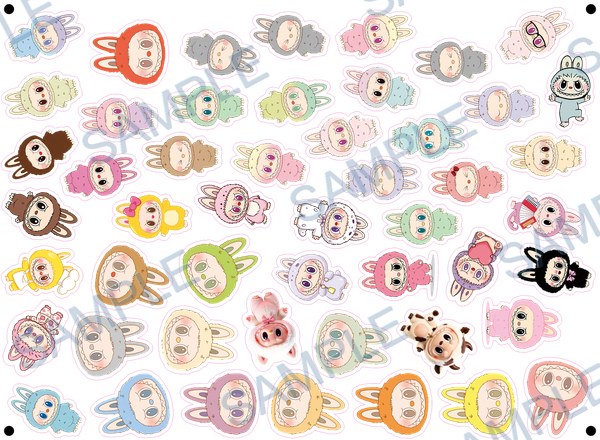 A-214
A-214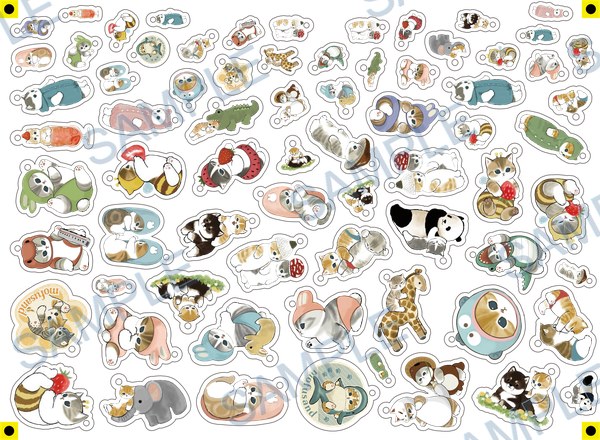 A-128-K
Common questions
Can I upload my own image to the acrylic charm 3D preview?
Yes, when the artwork is original, licensed, or otherwise authorized for your use. Open the 3D Product Preview Hub, select Acrylic, and upload the image for an early direction check. Regional support still needs the image, quantity, product type, production method, size, accessory direction, front-and-back notes, packaging, deadline, and region for a quote.
Can I preview an ARTETRIBE acrylic catalogue design code before requesting a quote?
You can search the nearly 100k catalogue by keyword, save the acrylic design code and quantity, and use the Acrylic view to check a supported visual direction. Send the selected code and complete production requirements to regional support for the fast quote, rapid sample review, and small-batch path.
Does the acrylic 3D preview replace a production proof or sample?
No. It helps review silhouette, scale, orientation, and overall appearance before the quote conversation. Final production follows the approved artwork, cut and accessory details, material or finish, specifications, quote, and any proof or sample process agreed with regional support after order confirmation.